MagSafe wallets offer a brilliant way to combine your phone and essentials into a single, streamlined package. But this convenience raises a common question for anyone using a wireless charger: can you charge an iPhone with a MagSafe wallet still attached? The short answer is no. For reliable, safe, and efficient charging, you should always remove your wallet before placing your iPhone on a wireless charger.
Why You Can’t Charge an iPhone With a MagSafe Wallet
For consistent and safe charging, you must remove your MagSafe wallet. Think of the wallet as a physical barrier. Wireless charging relies on a direct magnetic connection between the charging pad and your iPhone. Any object in between, including a wallet, weakens this connection and interferes with the power transfer.
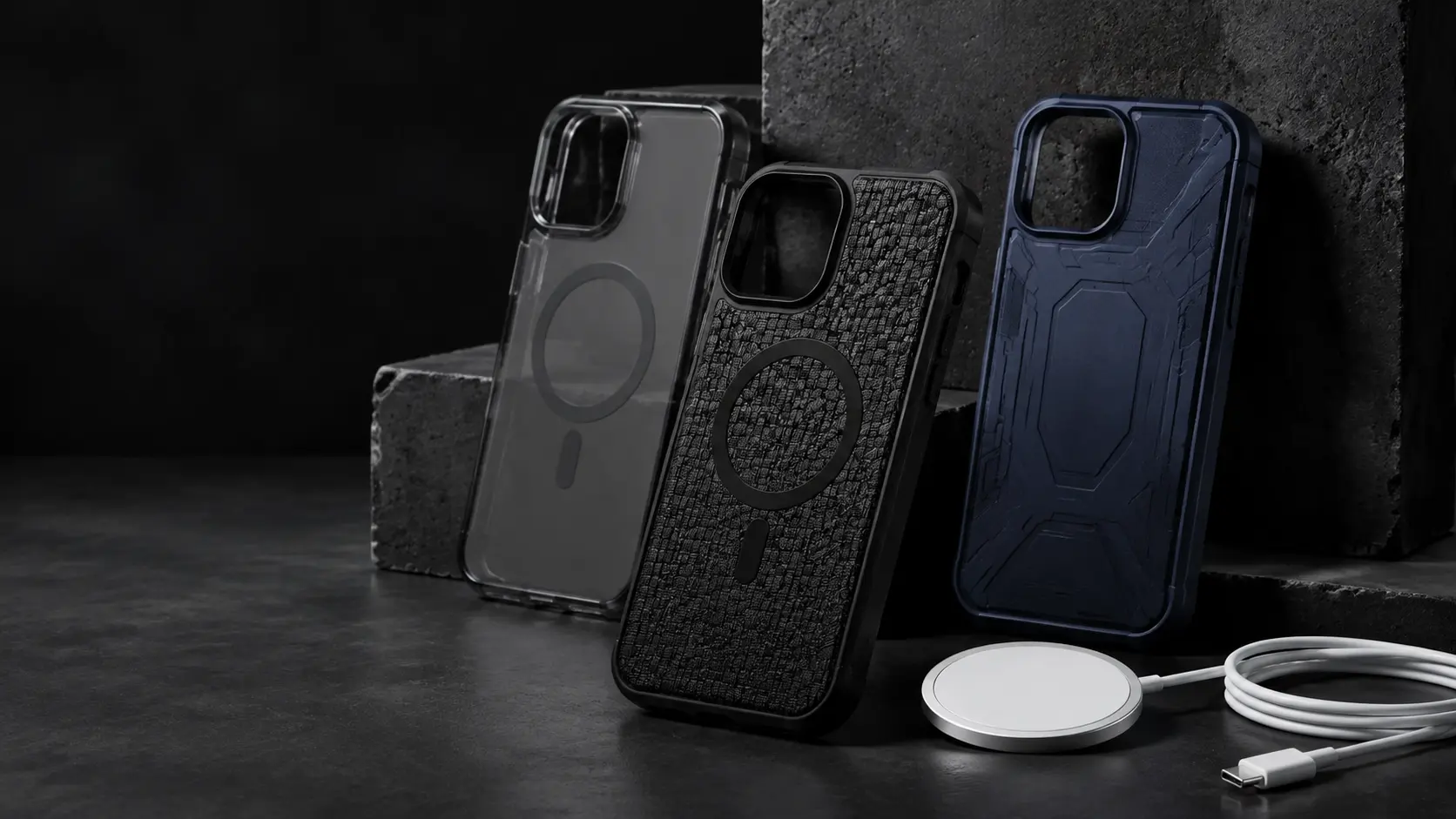
This is not just our recommendation based on testing. Apple’s own support documents advise removing items like wallets before charging to prevent interference. As Apple highlights, magnets and metal parts in accessories can disrupt the charging process. Ignoring this simple step introduces three primary risks: inefficient charging, excessive heat buildup, and potential damage to your cards or phone.
The most effective practice is to remove your MagSafe wallet to charge your device. This ensures a solid magnetic lock between the phone and the charger, allowing for the fastest and safest power delivery. While it might seem like a minor inconvenience, it is a crucial habit for protecting your expensive hardware.
The Science Behind Wireless Charging Interference
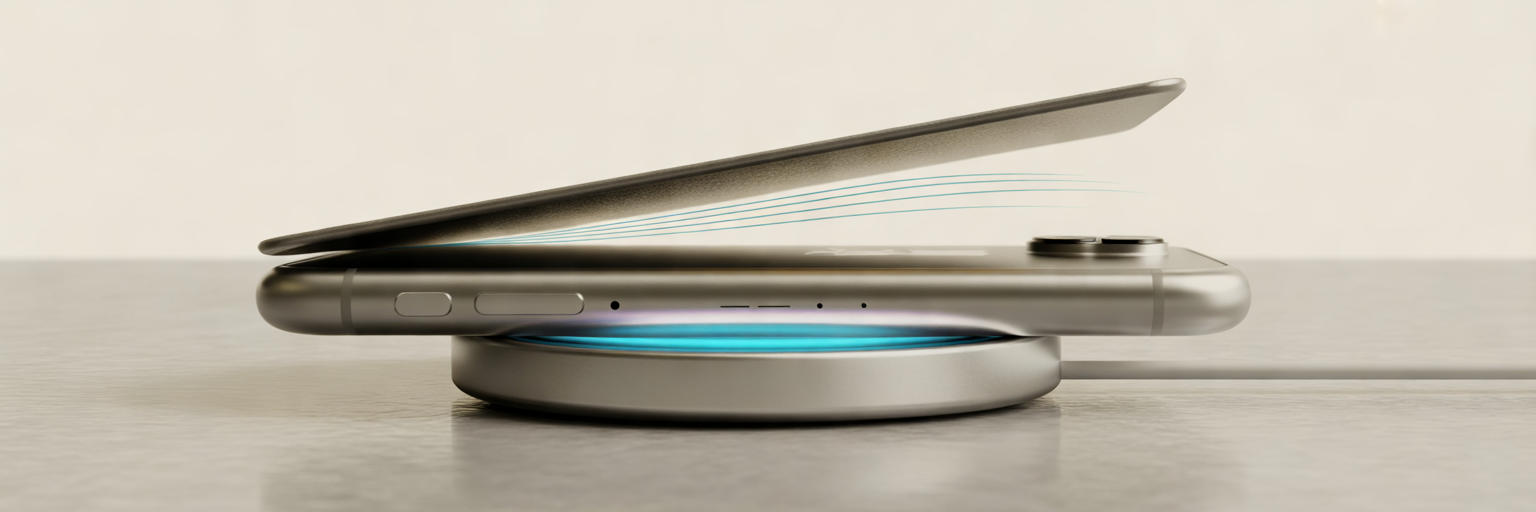
To understand why a wallet gets in the way, it helps to know how wireless charging works. The process, called inductive charging, is like a magnetic handshake. A coil inside the charging pad generates a magnetic field, and a corresponding coil inside your iPhone receives it, converting that energy into power for your battery. This handshake requires close, uninterrupted contact to be effective.
A MagSafe wallet disrupts this connection in two main ways. First, its thickness creates a physical gap. Even a few millimetres is enough to weaken the magnetic field, slowing down charging speed and reducing efficiency. Your charger has to work harder to push power through that gap, which generates waste heat.
Second, the materials in the wallet and its contents cause interference. The design of a MagSafe wallet, which is built for secure attachment and card protection, is precisely what causes these charging issues. Any metal parts, from a money clip to the metallic security strips in some credit cards, can block the charging signal entirely. Furthermore, many wallets include RFID blocking technology. Since this feature is designed to stop electromagnetic signals to protect your cards from scanners, it also effectively blocks the very signal your wireless charger uses.
Dangers of Charging With a Wallet Attached
Attempting to charge through a wallet is more than just inefficient. It introduces tangible risks to your iPhone, battery, and cards. These MagSafe wallet charging issues range from minor annoyances to permanent damage, making it a habit worth avoiding.
Excessive Heat and Battery Degradation
When a wireless charger struggles to connect through an obstruction, it generates excess heat. This heat gets trapped between the wallet and the back of your iPhone, warming up the battery. According to research on lithium-ion batteries, including findings from the U.S. Department of Energy, prolonged exposure to high temperatures is a leading cause of accelerated capacity loss. Over time, this will permanently degrade your iPhone’s battery health, meaning it will not hold a charge for as long as it used to.
Damage to Credit Cards and IDs
The magnetic fields and heat involved in wireless charging can also harm your cards. A common question is, can a MagSafe wallet damage cards during charging? The answer is yes. The magnetic field can demagnetize the strip on older credit cards, hotel key cards, or transit passes, rendering them useless. For modern cards with chips, the primary risk is heat. Sustained high temperatures can warp the plastic and damage the sensitive electronic chip inside, leading to transaction failures.
Charging Errors and Inefficiency
Your iPhone is smart enough to detect problems. If it senses a foreign object like a wallet or detects rising temperatures, it will take protective measures. It may stop charging altogether, or it might repeatedly start and stop, leaving you with an unreliable and incomplete charge. In other cases, the phone may engage thermal throttling, a safety feature that slows down its processor to reduce heat. This can make your phone feel sluggish and unresponsive while it is on the charger.
| Risk Factor | Impact on Your iPhone | Impact on Your Wallet & Cards |
|---|---|---|
| Excessive Heat | Permanently reduces battery health and lifespan. Can cause the phone to slow down (thermal throttling). | Can warp plastic cards and damage sensitive electronic chips. |
| Magnetic Interference | Charging may fail or repeatedly stop and start, leading to an unreliable charge. | Can demagnetize the magnetic strips on credit cards, hotel keys, and transit passes. |
| Physical Obstruction | Significantly reduces charging speed and efficiency, wasting energy. | RFID-blocking liners designed to protect cards will also block the charging signal. |
Do Slim Silicone Wallets Affect Charging?

Some users wonder if a very thin, non-metallic wallet might be an exception. After all, if there is no metal to block the signal, what is the harm? In our tests, we have seen that wireless charging with a wallet case made of silicone or fabric might occasionally appear to start. The charging icon may light up, giving a false sense of security.
However, this is still a bad practice. Even a minimal wallet without metal parts traps heat directly against the back of your iPhone. This trapped heat is the primary culprit behind long-term battery degradation. While the connection might be strong enough to initiate a charge, the small physical gap still forces the charger to work harder, reducing speed and efficiency. You will get a slower charge while still generating unnecessary heat.
Most importantly, the cards inside are still exposed to the magnetic field and any heat that builds up. The minor convenience of not removing a slim wallet is simply not worth the gamble of damaging your phone’s battery or your essential cards. The safest rule is always the simplest: if a wallet is on, charging is off.
The Best Daily Habit for MagSafe Wallet Users
The solution is simple and takes only a couple of seconds. By building a small action into your daily routine, you can enjoy the convenience of a MagSafe wallet without any of the risks. Adopting this straightforward iPhone wireless charging routine ensures your devices are protected and always ready to go.
Follow this easy three-step process every time you charge:
- Snap it off. When you arrive at your charging spot, whether it is your bedside table or your desk, slide the MagSafe wallet off your iPhone.
- Place it on. Put your iPhone directly onto the wireless charger. This ensures a perfect magnetic alignment for the fastest, most efficient charge.
- Snap it on. When you are ready to leave, simply snap the wallet back onto your phone.
This two-second action is the best way to protect your iPhone’s battery health, safeguard your credit cards, and ensure your gear works exactly as intended. It is a small habit that delivers peace of mind and keeps your technology in top condition.