The idea of attaching a wallet to your phone is not new, but early attempts were often clumsy and unreliable. With the introduction of a dedicated magnetic system, MagSafe wallets offer a streamlined and secure way to carry your essential cards. This guide explains how they work, what to look for in terms of capacity and materials, and how to test a wallet’s security to ensure it is right for your daily needs.
Understanding How MagSafe Wallets Work
A magnetic phone wallet works by attaching to a ring of magnets built into iPhones, starting with the iPhone 12 series, and newer Qi2-compatible devices. This system ensures perfect alignment every time. Think of it like a key fitting a specific lock. The wallet’s magnets are designed to match the phone’s internal array, creating a consistent and secure connection that generic magnetic accessories simply cannot replicate.
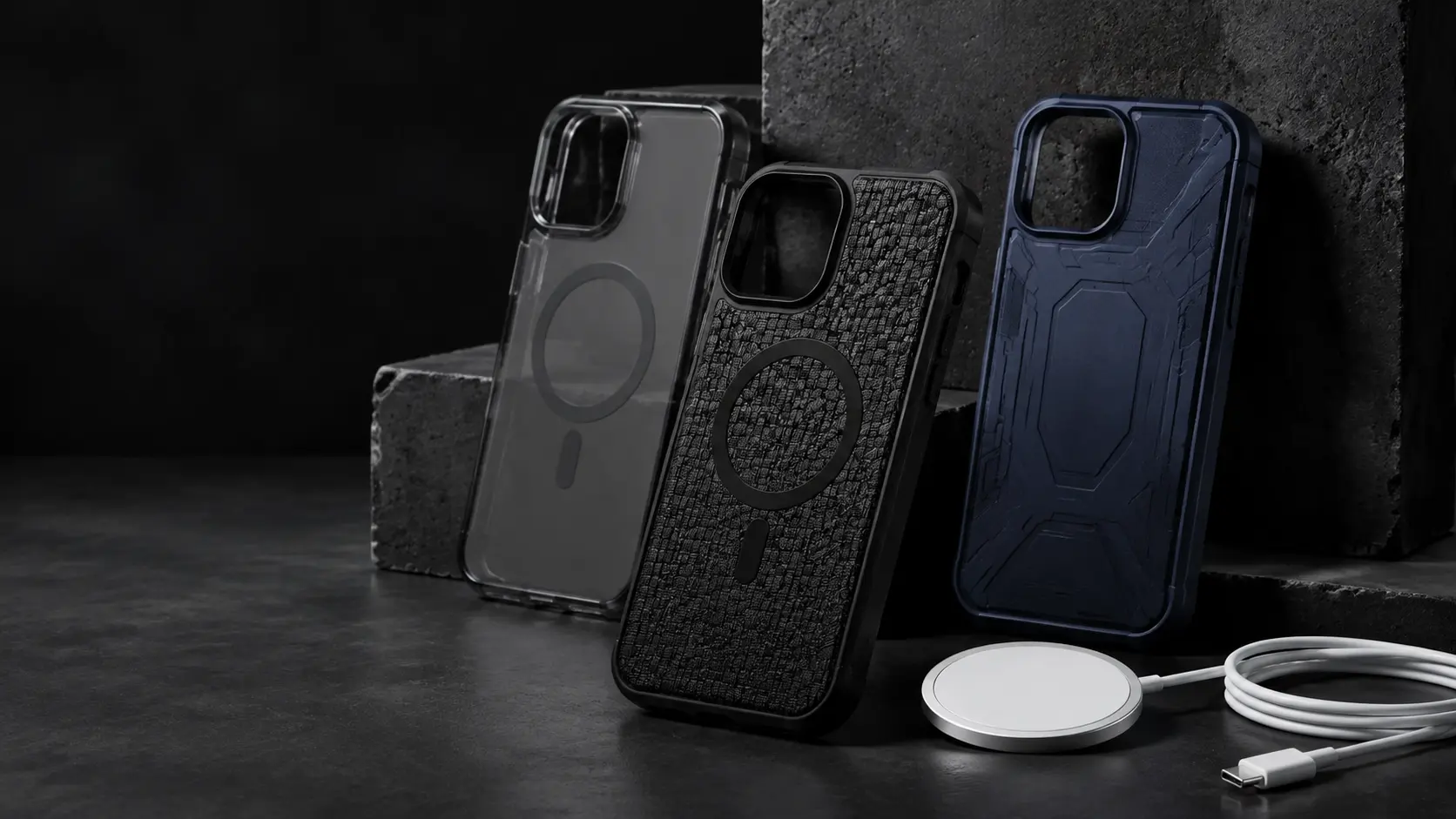
The strength of this magnetic bond is the single most important factor for security. The biggest variable that weakens this connection is your phone case. A standard case without its own magnets creates a physical barrier, dramatically reducing the magnetic force and making the wallet feel loose and untrustworthy. For a reliable hold, you need either a bare iPhone or a certified MagSafe-compatible case. These cases have their own magnetic ring that works in tandem with the phone, ensuring the connection is strong and stable.
When comparing wallets, you may see their magnetic strength measured in grams or pounds of pull force. While not a perfect science, a higher number generally indicates a more secure hold against accidental bumps and snags.
Card Capacity and Everyday Usability
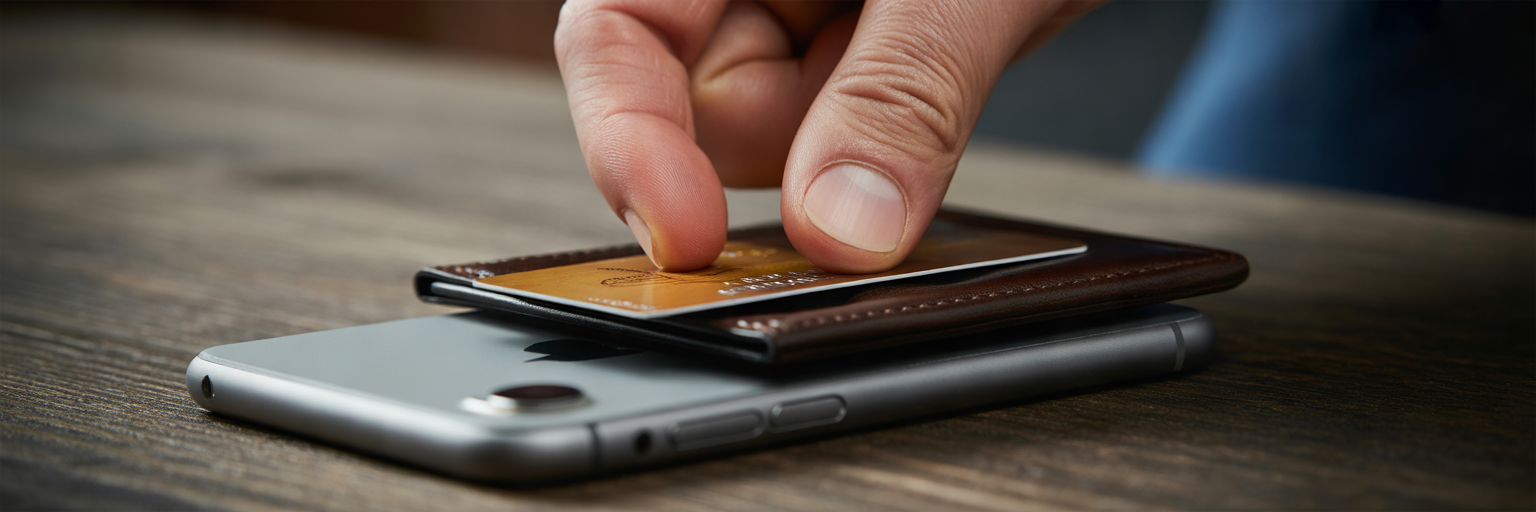
Choosing the right wallet means balancing how much you need to carry with how slim you want your phone to feel. Most MagSafe wallets are designed for minimalism, not for replacing a traditional bifold.
Finding the Right Card Count
The sweet spot for most slim MagSafe wallets is two to four cards plus a folded bill. We found in our testing that trying to overstuff a wallet not only makes cards difficult to remove but can also permanently stretch the material. More importantly, a bulging wallet may not sit flat against the phone, which can weaken the magnetic connection and increase the risk of it falling off.
Comparing Card Access Mechanisms
Getting your cards out quickly is a key part of a wallet’s design. Based on our tests, here are the most common mechanisms and their trade-offs:
- Thumb Slots: A simple cutout lets you push cards up with your thumb. This design is reliable and has no moving parts, though some tighter wallets require firm pressure.
- Spring-Loaded Ejectors: These offer a fast, one-handed way to pop your cards out. They feel modern and satisfying but add mechanical complexity and a bit of bulk.
- Pull-Tabs: A fabric or leather tab extends to lift the cards when pulled. This is a great middle ground, offering easy access without the complexity of a spring mechanism.
How Secure Are Your Cards?
A wallet that holds onto your phone is useless if it cannot hold onto your cards. Simpler sleeve designs rely on friction to keep cards in place, which works well when the wallet is new but can loosen over time. For greater peace of mind, look for designs with a secure flap or a deeper pocket that fully envelops the cards. While many wallets advertise RFID-blocking, its practical benefit is minimal for modern chip-and-PIN cards, so we recommend focusing on physical security instead.
Device and Case Compatibility
A secure connection depends entirely on having the right phone and case. MagSafe is natively supported on all iPhone 12, 13, 14, 15, and 16 models, including the Mini, Pro, and Pro Max versions. The technology is also expanding beyond Apple with the new Qi2 charging standard, which brings the same magnetic alignment to a growing number of Android devices.
As we explained earlier, the case is a critical part of the system. To get a reliable hold for an iPhone wallet case, you must use one that is explicitly advertised as MagSafe compatible. These cases contain their own set of magnets that align perfectly with the phone’s, allowing the magnetic force to pass through without interference. Using a standard, non-magnetic case will result in a weak, untrustworthy connection that is prone to detaching in a pocket or bag.
You may see adhesive magnetic rings sold as a workaround for non-compatible phones or cases. We advise caution with these products. In our experience, the strength and alignment of these third-party solutions are often inconsistent and cannot match the reliability of a native MagSafe system.
Wallet Materials, Grip, and Durability
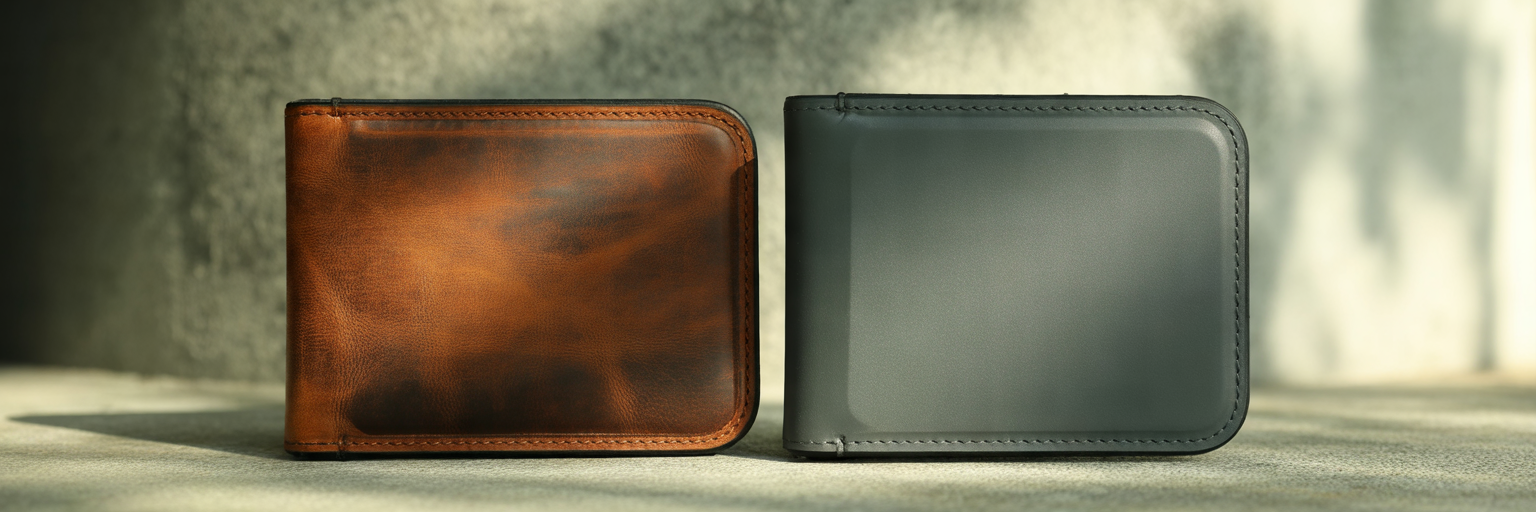
The material of your wallet affects not only its appearance but also how it feels in your hand and how well it holds up to daily use. Leather is a classic choice that develops a unique patina over time, but it can scuff and may require occasional conditioning to prevent it from drying out. In contrast, synthetic materials like fine-woven nylon or silicone are often more durable, lightweight, and resistant to abrasion from sliding in and out of pockets.
A wallet’s material also changes the in-hand feel of your phone. We found that textured fabrics and soft-touch silicone add significant grip, making a large phone feel more secure to hold. When assessing durability, look for tight, even stitching on leather models and clean, bonded seams on fabric ones. A rigid internal backplate is also a good sign, as it helps the wallet maintain its shape and prevents it from warping over time.
| Material | Durability & Wear | Grip & Feel | Maintenance |
|---|---|---|---|
| Leather | Develops a patina; can scuff and stretch over time. | Smooth and classic; can become slippery. | May require occasional conditioning to prevent cracking. |
| Fine-Woven Fabric | High resistance to abrasion and fraying. | Textured and grippy; feels secure in hand. | Easy to clean with a damp cloth. |
| Silicone | Resistant to water and scratches but can attract lint. | Very high grip; prevents sliding on surfaces. | Wipes clean easily. |
| Hard Plastic/Polycarbonate | Rigid and protective; can show scratches. | Slick and minimal; offers the least amount of grip. | Low maintenance. |
This table summarizes the practical trade-offs between common wallet materials based on our hands-on testing. Your choice depends on whether you prioritize a classic aesthetic, maximum grip, or long-term resilience against daily wear.
Extra Features: Stands and Tracking
Some of the best MagSafe wallet models include extra features that add genuine utility. A MagSafe wallet stand is one of the most popular, using a built-in hinge to prop your phone up for hands-free video calls or watching media. When testing these, we check for a sturdy hinge that does not collapse under the phone’s weight and the flexibility to support both portrait and landscape orientations.
Another useful feature is integration with Apple’s Find My network. If a Find My-compatible wallet detaches from your phone, the Find My app will record its last known location on a map. It is important to understand that this is not live GPS tracking. It will not show you the wallet’s current location if it is moving, but it provides a helpful starting point if you misplace it. This peace of mind can be valuable, though it is typically reserved for more premium models.
Ultimately, you have to decide if these additions are worth it for you. A stand mechanism inevitably adds some bulk, and tracking features often come at a higher price. If your priority is the slimmest possible profile, a simpler wallet without these extras may be the better choice.
How to Test Your Wallet’s Security
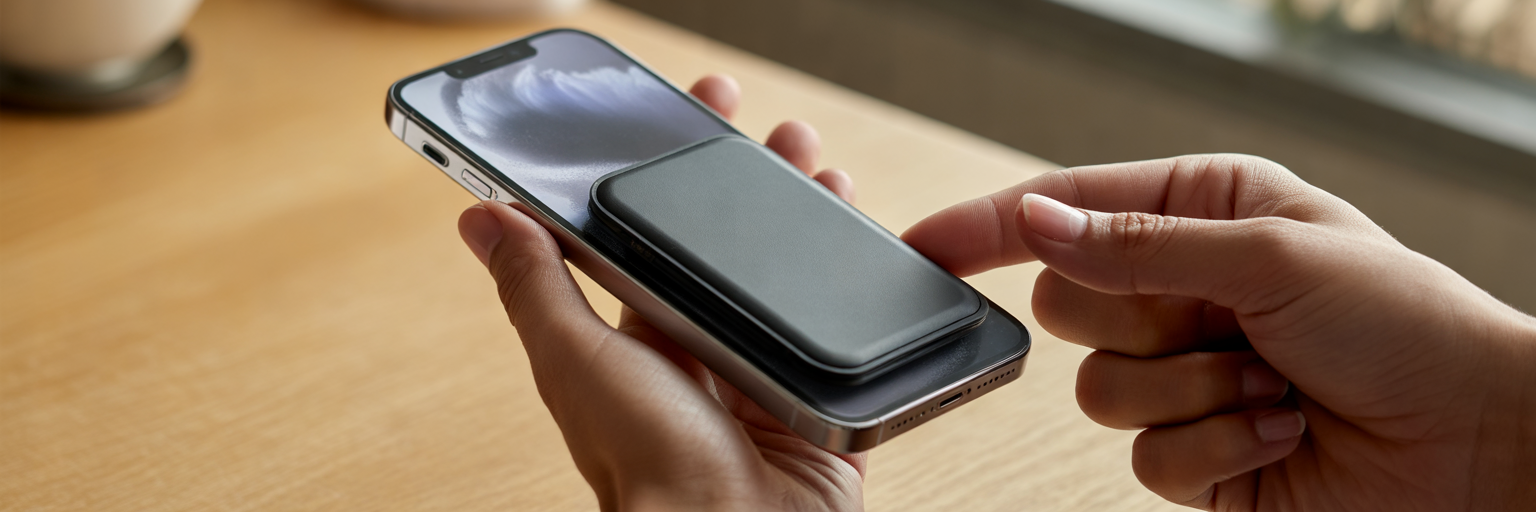
Once you have a wallet, you can perform a few simple tests to build confidence in its security. This is the final step in how to choose a MagSafe wallet that is both convenient and reliable. For these tests, make sure you are using a MagSafe-compatible case or a bare iPhone.
- The Pocket Test: Attach the wallet and slide your phone into and out of a front jeans pocket several times. A secure wallet should not shift, catch, or detach during this common, everyday motion.
- The Shake Test: Hold the phone securely and give it a few firm shakes from side to side. The wallet should remain firmly attached without any wobbling.
- The Lateral Slide Test: Place your phone on a flat surface and use one finger to try to slide the wallet off horizontally. Strong resistance indicates a secure magnetic lock that can withstand the shearing forces that often cause wallets to fall off.
Finally, remember one non-negotiable rule: always remove your MagSafe wallet before placing your phone on a wireless charger. The heat generated during charging can damage the magnetic strips and security chips in your credit and debit cards, rendering them useless.