Few things are more frustrating than waking up to a phone that never charged because it was slightly misplaced on its wireless pad. Apple introduced a direct solution to this problem with the iPhone 12, creating a more dependable system for daily power. The best MagSafe chargers use a ring of magnets to create a perfect, snap-on alignment between the charger and your iPhone’s internal components. This precise connection ensures a reliable charge every time you use it.
This magnetic lock is more than just convenient. It enables a faster and more efficient transfer of power compared to older Qi wireless chargers. According to Apple’s own guide, this magnetic alignment is key to its efficiency. Full MagSafe functionality, including the magnetic attachment and faster charging speeds, is available on all iPhone 12 models and newer. While older iPhones with Qi charging can technically draw power from a MagSafe puck, they will not magnetically attach or benefit from the improved speed. The core purpose of MagSafe is simple: to make wireless charging effortless and reliable.
Understanding MagSafe Chargers and Your iPhone
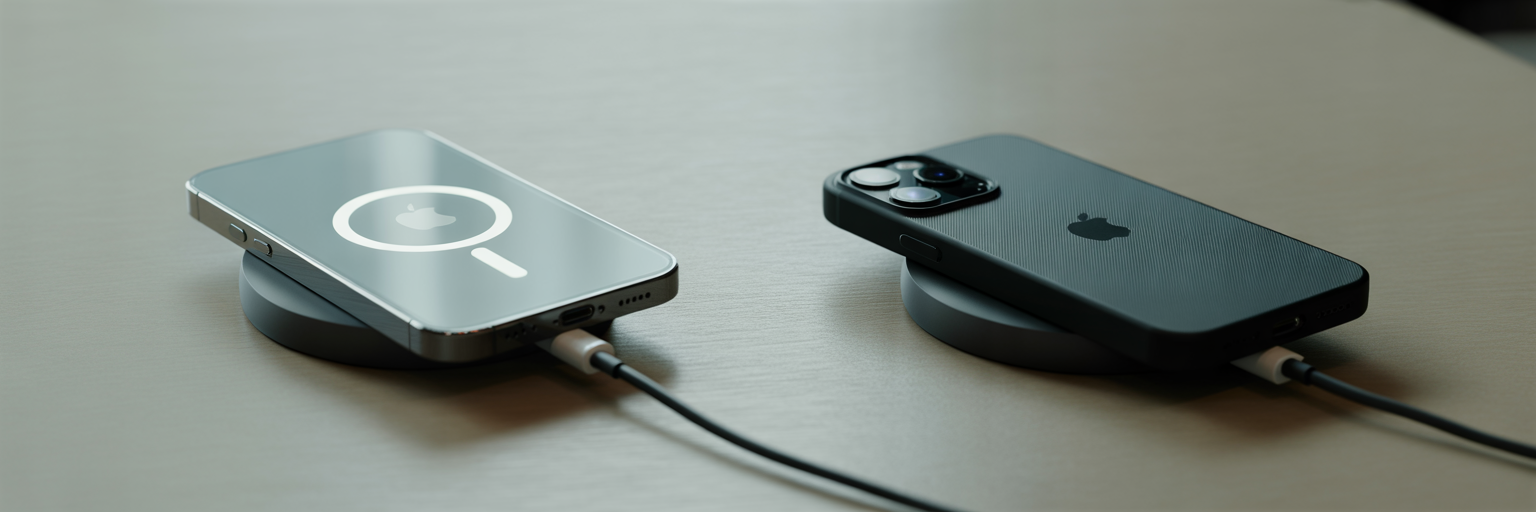
We have all experienced the frustration of waking up to a phone that did not charge because it was slightly misplaced on a standard wireless pad. Apple introduced a direct solution to this with the iPhone 12 series. The system uses a ring of magnets to create a perfect, snap-on alignment between the charger and the iPhone’s internal charging coil. This is the foundation of what makes MagSafe chargers so dependable.
This precise connection does more than just hold the phone in place. It ensures a reliable charge every time and allows for a more efficient power transfer compared to older Qi chargers. According to Apple’s own guide, the magnetic alignment is key to its efficiency. Full MagSafe functionality, including the magnetic attachment and faster charging speeds, is supported on the iPhone 12 and all newer models.
It is important to note that while older, Qi-enabled iPhones can technically receive a charge from a MagSafe puck, they will not get the magnetic attachment or the faster charging speeds. The fundamental reason for MagSafe’s existence is to bring convenience and reliability to the everyday user, removing the guesswork from wireless charging.
The Main Types of MagSafe Chargers Explained
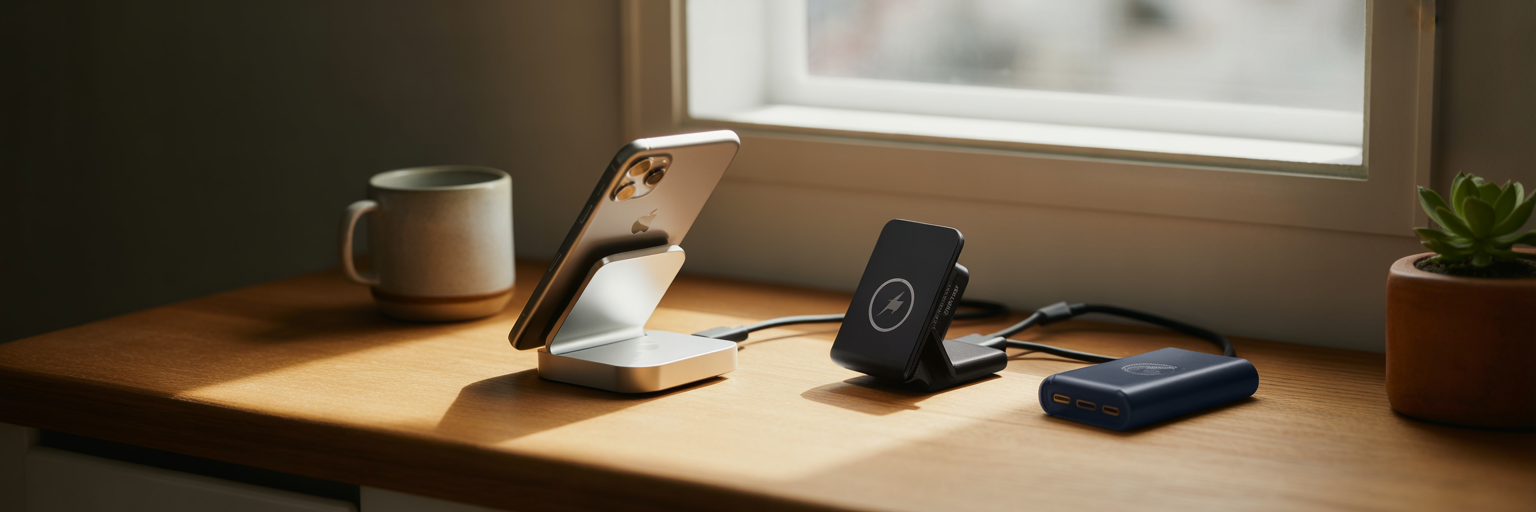
Once you understand how MagSafe works, the next step is choosing the form factor that fits your lifestyle. The market includes everything from simple pads to all-in-one stations, and reputable reviewers at WIRED have tested a wide range of these options. Each type is designed for a specific environment and routine.
The Charging ‘Puck’ or Pad
This is the most basic and portable MagSafe charger. It is a small, circular disc with a built-in cable that snaps directly onto the back of your iPhone. Its simplicity makes it a great choice for a desk, a kitchen counter, or tossing into a travel bag. The main trade-off is that your phone lies flat while charging, making it less ideal for viewing notifications at a glance.
Upright Charging Stands
A charging stand holds your iPhone in an upright, viewable position while it powers up. This design is perfect for a bedside table or an office desk, as it lets you easily see the screen for incoming calls or messages. It is also the best way to take advantage of iOS StandBy mode, which turns your locked iPhone into a smart display for widgets, photos, or a clock.
MagSafe Car Mounts
For anyone who relies on their iPhone for navigation, a MagSafe car mount is an essential accessory. These mounts attach to your dashboard or air vent and use strong magnets to hold your phone securely in place, even on bumpy roads. It provides a safe, hands-free viewing angle while simultaneously charging your device, ensuring you arrive at your destination with a full battery.
Portable Power Banks
A MagSafe power bank is a battery pack that magnetically attaches to your iPhone for cable-free charging on the move. It eliminates the need to carry a separate cable and power brick, offering a streamlined way to top up your battery during a long day out, on a flight, or at an event. The convenience comes with added bulk and weight, but for many, it is a worthy trade-off.
Multi-Device Charging Stations
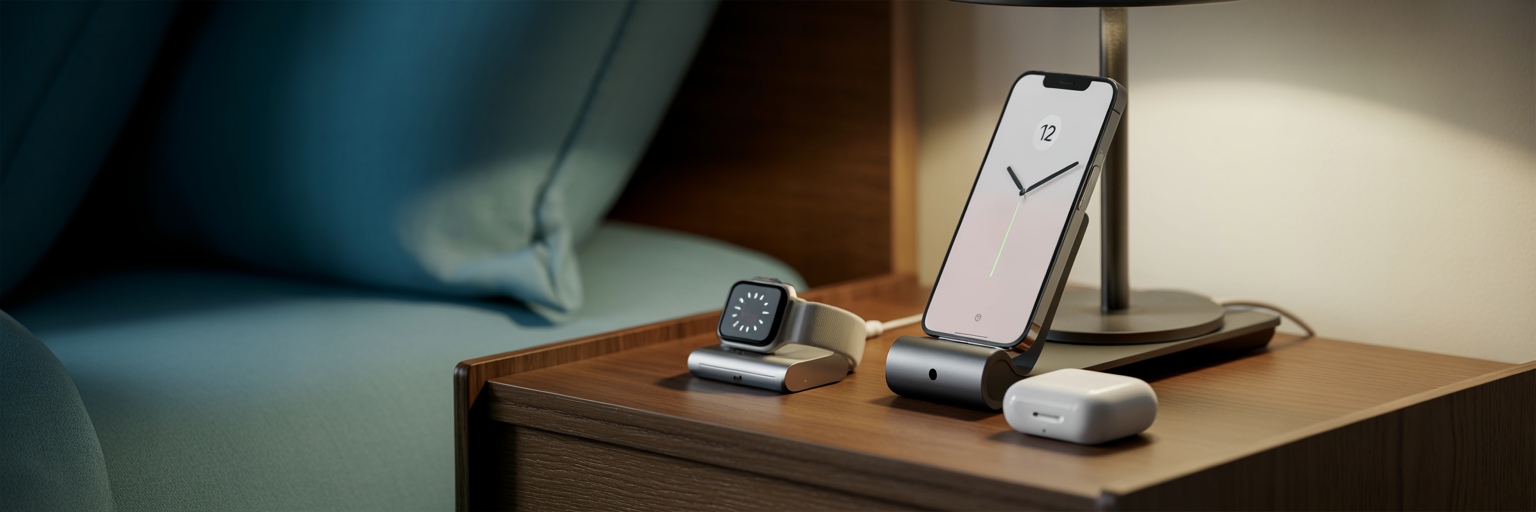
If you own an iPhone, Apple Watch, and AirPods, a multi-device station is the ultimate solution for reducing cable clutter. These chargers provide dedicated spots for all three devices, allowing you to power everything up from a single outlet. They are ideal for a nightstand or office desk, creating a clean, organized charging hub.
| Charger Type | Primary Use Case | Key Advantage | Consideration |
|---|---|---|---|
| Charging Puck/Pad | Desks, nightstands, travel | Portability and simplicity | Phone lies flat, less viewable |
| Charging Stand | Desks and bedside tables | Upright viewing, StandBy mode | Less portable, fixed position |
| Car Mount | In-vehicle navigation | Secure hold and charging | Magnetic strength is critical |
| Power Bank | On-the-go, travel | Cable-free portable power | Adds bulk and weight to phone |
| Multi-Device Station | Home or office hub | Reduces cable clutter | Larger footprint, higher cost |
How to Judge a Good MagSafe Charger
Beyond the physical shape, several key factors determine a charger’s performance and safety. Making an informed choice requires looking past aesthetics and understanding what makes a quality product. As noted in buying guides, the distinction between certifications often comes down to guaranteed performance.
Charging Speed and Power Adapters
A common point of confusion is MagSafe charging speed. To achieve the maximum 15W charging rate for an iPhone, you must pair your MagSafe charger with a USB-C power adapter that is 20W or higher. Using a less powerful adapter, like an old 5W USB-A brick, will result in significantly slower charging. Always check the power requirements to ensure you are getting the performance you paid for.
Heat Management and Efficiency
It is normal for your iPhone and charger to become slightly warm during use. However, a well-designed charger dissipates heat effectively to protect your phone’s battery health and maintain consistent speeds. If a charger gets excessively hot, it can cause the iPhone’s software to slow or pause charging to prevent damage. Apple confirms that if your battery gets too warm, software may limit charging above 80 percent. A quality charger manages this balance automatically.
Magnetic Strength and Alignment
The strength of the magnetic connection is a non-negotiable feature. A good MagSafe charger should connect with a confident and satisfying snap, holding the iPhone securely in place. This is especially critical for upright stands and car mounts, where a weak magnet could cause your phone to slip or fall. The magnets should also guide the phone into perfect alignment without any fiddling.
Understanding Certifications: Made for MagSafe vs. Qi2
When shopping, you will see different labels. “Made for MagSafe” is Apple’s official certification. It guarantees that the product contains official MagSafe technology, ensuring a full 15W charging speed and perfect compatibility. In the MagSafe vs Qi2 charging debate, Qi2 is a newer, universal standard that incorporates a magnetic power profile similar to MagSafe. While Qi2-certified chargers offer magnetic alignment and faster speeds than old Qi, “Made for MagSafe” remains the gold standard for iPhone users seeking the absolute best performance and reliability.
How Phone Cases Interfere with MagSafe Charging
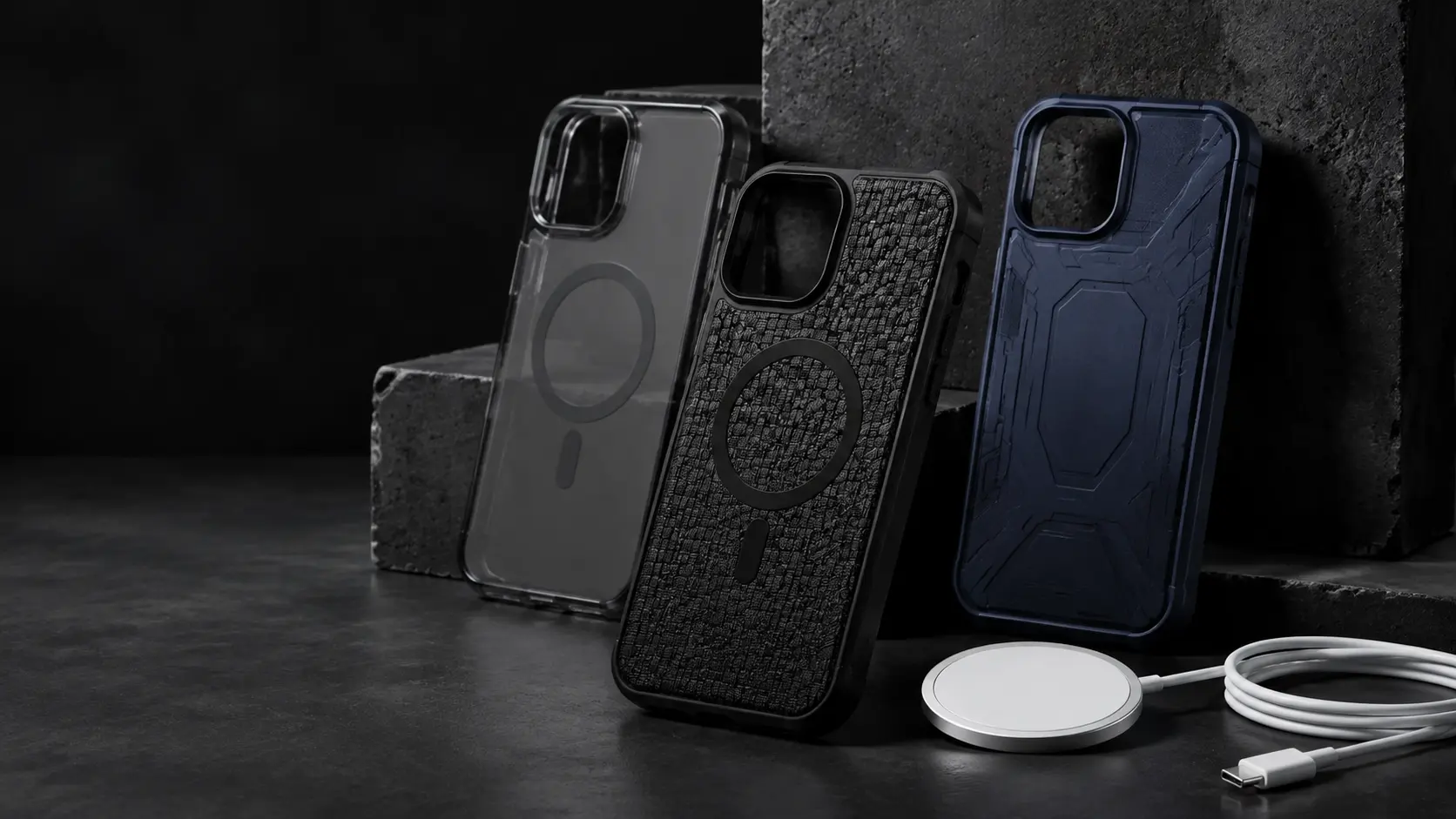
A common reason for a poor MagSafe experience is an incompatible phone case. The entire system relies on a strong magnetic connection, and anything that gets in the way can weaken it, leading to slow charging or a failed connection. For a reliable experience, the case you use is just as important as the charger itself.
Case thickness is the primary obstacle. A bulky, non-magnetic case creates too much distance between the charger and the iPhone’s internal magnets. This separation weakens the magnetic pull, causing slow and inefficient charging. On a stand or car mount, a weak hold means your phone could easily get knocked off.
The solution is a case designed specifically for MagSafe. These cases contain their own built-in magnet array that aligns perfectly with the iPhone’s magnets. This not only allows the connection to pass through the case but actually reinforces the magnetic lock, ensuring a secure attachment and efficient power transfer. A standard case without these magnets will always compromise the experience.
It is also critical to remove certain accessories before charging. MagSafe wallets, pop-out grips, and finger rings must be taken off, as they block the connection. Furthermore, Apple specifically advises users to remove items like credit cards or passports from between the phone and charger. Never use a case with metal plates or store cards directly behind your phone, as this can block charging entirely and may damage the magnetic strips.
Building Your Perfect MagSafe Charging Setup
With a clear understanding of the technology and available products, you can build a charging routine tailored to your daily life. The goal is to place convenient power where you need it most, making a dead battery a thing of the past.
- The Desk Setup: For an office or work-from-home space, an upright MagSafe stand is the ideal choice. It keeps your iPhone propped up at a comfortable viewing angle for checking notifications, taking video calls, or using StandBy mode as a desk clock. It turns your charging spot into a functional part of your workspace.
- The Bedside Setup: To declutter your nightstand, a 3-in-1 charging station is an excellent option for powering your iPhone, Apple Watch, and AirPods simultaneously. If you prefer a minimalist look, a simple MagSafe puck works just as well. For light-sensitive sleepers, look for chargers with dimmable or no LED indicator lights.
- The Ideal Car Setup: A sturdy MagSafe car mount is the best solution for in-vehicle use. Prioritize a model with strong magnets and a secure attachment to your dash or vent to handle bumps and turns. This setup provides safe, hands-free navigation while ensuring your phone is charging on the way to your destination.
- The Travel Kit: For life on the go, a MagSafe power bank offers true cable-free convenience. Another great option is a foldable multi-device charger, which can power your iPhone, Watch, and AirPods but packs down neatly. Pair it with a compact 20W+ wall adapter to create a powerful yet space-saving travel kit.
Daily Habits for Safe Charging and Battery Health
Finding the best MagSafe charger for iPhone is also about adopting habits that protect your device for the long term. Integrating a few simple practices into your routine can help ensure safety, preserve your battery’s lifespan, and deliver reliable performance day after day.
- Manage Heat: Your iPhone’s battery dislikes extreme temperatures. Avoid charging it in direct sunlight or on soft surfaces like a bed or couch, as these can trap heat and slow down charging. Place it on a hard, flat surface where air can circulate.
- Enable Optimized Battery Charging: This feature, found in your iPhone’s settings under Battery Health, learns your daily charging routine. It intelligently delays charging past 80% until you need it, reducing the time your battery spends at full charge and minimizing wear over time.
- Practice Good Cable Care: The cables that come with chargers need care too. Avoid yanking the cord from the wall adapter or putting sharp bends near the connectors, as this can cause fraying and internal damage over time. Gently unplug by holding the connector itself.
- Stick to Certified Gear: The single most important habit is to use chargers that are either Apple-certified “Made for MagSafe” or come from reputable third-party brands that meet safety standards. This is the best way to guarantee safety, consistent performance, and the longevity of your iPhone.